


No products in the cart.


Free Shipping Australia-Wide

5 star customer service

Quality Tested Products

Finding a great home security system on a budget used to feel impossible. Thankfully, that’s not the case anymore. Modern technology has made reliable home protection surprisingly accessible, meaning you don't have to choose between feeling safe and sticking to your budget.
Let's bust a common myth right away: you don't need to spend a fortune to secure your home. Thanks to major shifts in the industry, effective protection is more within reach than ever.
Think of it this way. Old-school security systems were like hiring a custom architect for a simple backyard shed—overly complex, slow, and incredibly expensive. Today's best affordable home security systems are more like high-quality, pre-fabricated kits. They get the job done just as well (if not better), but with a fraction of the cost and hassle.
When we talk about "affordable," we're looking at the bigger picture, not just the price on the box. The true value of a system is its total cost over several years. A cheap starter kit can quickly become a money pit if it locks you into a steep monthly monitoring contract with features you don't even need.
A truly budget-friendly system is one with transparent pricing from day one. It’s about knowing the full story—not just the upfront equipment cost, but also any recurring fees for monitoring, cloud storage, or extra app features.
To make an informed decision, you need to weigh three key financial pieces:
This guide is designed to give you a clear path forward, helping you cut through the noise and find what actually works for you. We'll break down exactly how to approach your search for the best affordable home security system so you get the protection you need without overpaying.
First, we'll walk through how to set a realistic budget by looking at the long-term cost of a system. Then, you'll learn to spot the essential features that deliver real security versus the flashy add-ons that just drive up the price. We'll also compare DIY and professional installation and untangle the different monitoring options out there.
By the end, you’ll have the confidence and knowledge to pick the right setup for your home and your life.
When you start shopping for a home security system, it's easy to get fixated on the price tag of the starter kit. But that initial number is just the beginning of the story. The real cost reveals itself over time, through a mix of equipment, installation, and those pesky monthly fees.
Think of it like buying a new printer. The printer itself might seem like a steal, but the ongoing expense of ink cartridges is where they really get you. It's the same deal with home security. To find a genuinely affordable system, you have to look at the total cost of ownership, not just the upfront price.
Let's unpack the three main costs you need to account for so you can budget accurately and avoid any nasty surprises down the road.
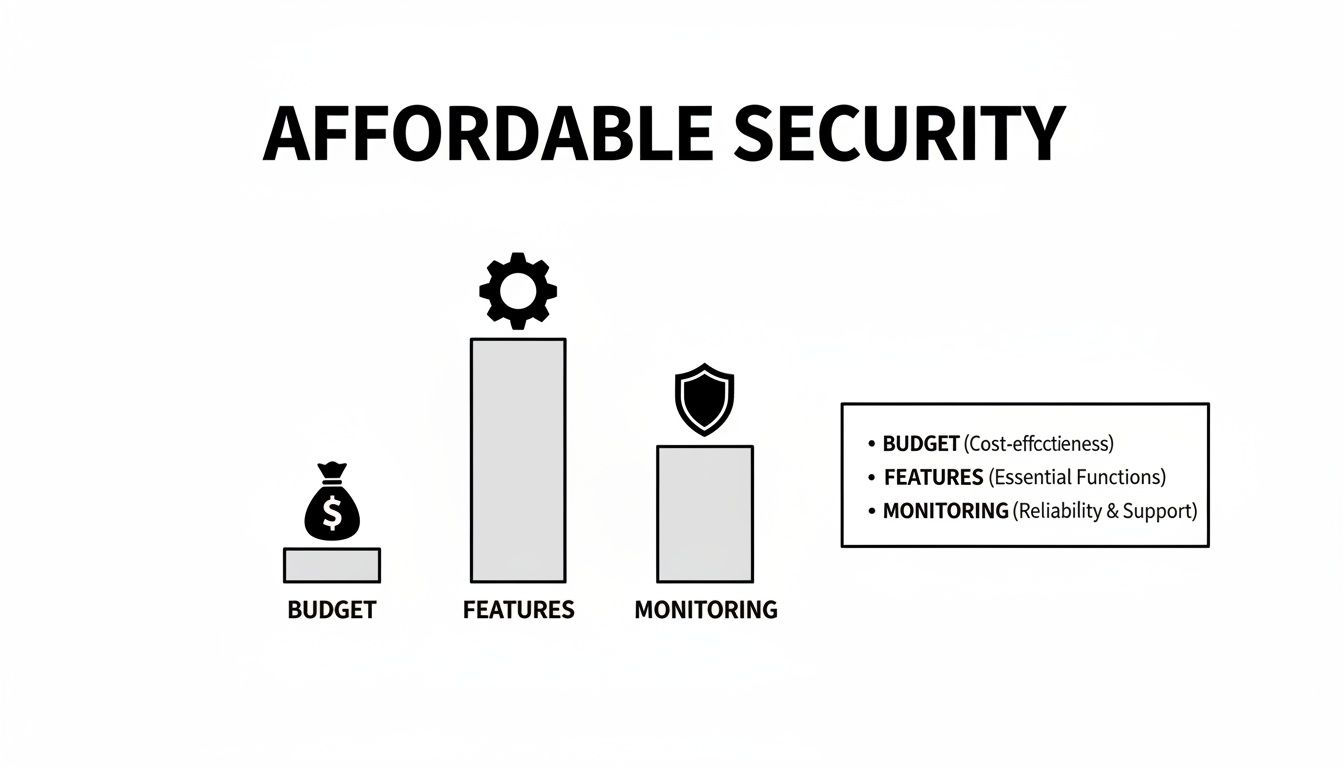
As you can see, finding the sweet spot between what you pay, what you get, and how it's monitored is the key to getting great value without breaking the bank.
Your first out-of-pocket expense will be the hardware itself. This cost can swing wildly depending on the size of your home and how much coverage you want.
If you're in a small apartment, a basic kit with a hub and a couple of door sensors might be all you need, keeping that initial investment nice and low. But for a multi-level house, you'll likely need more gear: a few cameras, motion detectors for the main hallways, maybe some glass break sensors for the downstairs windows. As you add more devices, that upfront cost will climb.
The great thing is that most modern systems are modular. You can start with the essentials and easily add more sensors or cameras later as your budget allows.
Next up is getting everything installed. You've got two main routes here, and your choice has a direct impact on your wallet.
Going the DIY route is a fantastic way to slash your initial costs, and honestly, it’s never been easier.
Okay, this is where you need to pay close attention. Recurring fees are the monthly subscriptions that can turn a seemingly "affordable" system into a real budget-buster over the long haul.
The biggest one is professional monitoring. This service connects your system to a 24/7 call center staffed by real people who can dispatch police or fire services if an alarm is triggered. It’s a huge peace-of-mind feature, and it typically runs between $20 to $60 per month. The alternative is self-monitoring, where you get the alert on your phone and decide what to do next. Most self-monitoring options are free.
The other common recurring fee is for cloud video storage. If your system includes cameras, you'll need somewhere to save the video clips. While some companies offer a tiny bit of free storage, most require a monthly subscription to keep your footage for 30 or 60 days. This is often a separate charge from the monitoring plan, so be sure to factor it in.
The global home security market, valued at a whopping USD 51.9 billion in 2024, is exploding precisely because these flexible, subscription-based models are becoming so popular. In North America, the biggest market by far, consumers are flocking to systems under $300 that feature app-based self-monitoring and simple DIY setups. You can see just how fast this market is growing by checking out this detailed home security market report.
To give you a clearer picture, here’s how these costs typically stack up across different system types.
| Cost Component | DIY System (Self-Monitored) | DIY System (Pro-Monitored) | Professionally Installed System |
|---|---|---|---|
| Upfront Equipment | $100 – $400 | $150 – $500 | $0 – $600+ (often bundled) |
| Installation Fee | $0 | $0 | $100 – $300 (or included in plan) |
| Monitoring Fee | $0 | $20 – $40 / month | $40 – $60+ / month |
| Cloud Storage | $0 – $10 / month | Included or $5 – $15 / month | Often included in monitoring fee |
| Contracts | None | Month-to-month or 1-year | Usually requires a multi-year contract |
As you can see, a "free" system from a professional company often means you're paying more over time through a locked-in, high-cost monthly plan. A DIY system might cost more today, but it could save you thousands in the long run.
Shopping smart for home security isn't just about snagging the lowest price—it's about making sure every dollar you spend actually buys you real-world protection. It's easy to get lost in a sea of high-tech features and add-ons that sound impressive but don't necessarily make your home safer. Let's cut through the noise and figure out what truly matters.
We’ll focus on the core components that form the backbone of a reliable system. Think of these as the digital tripwires around your property—they’re simple, effective, and absolutely essential for peace of mind.
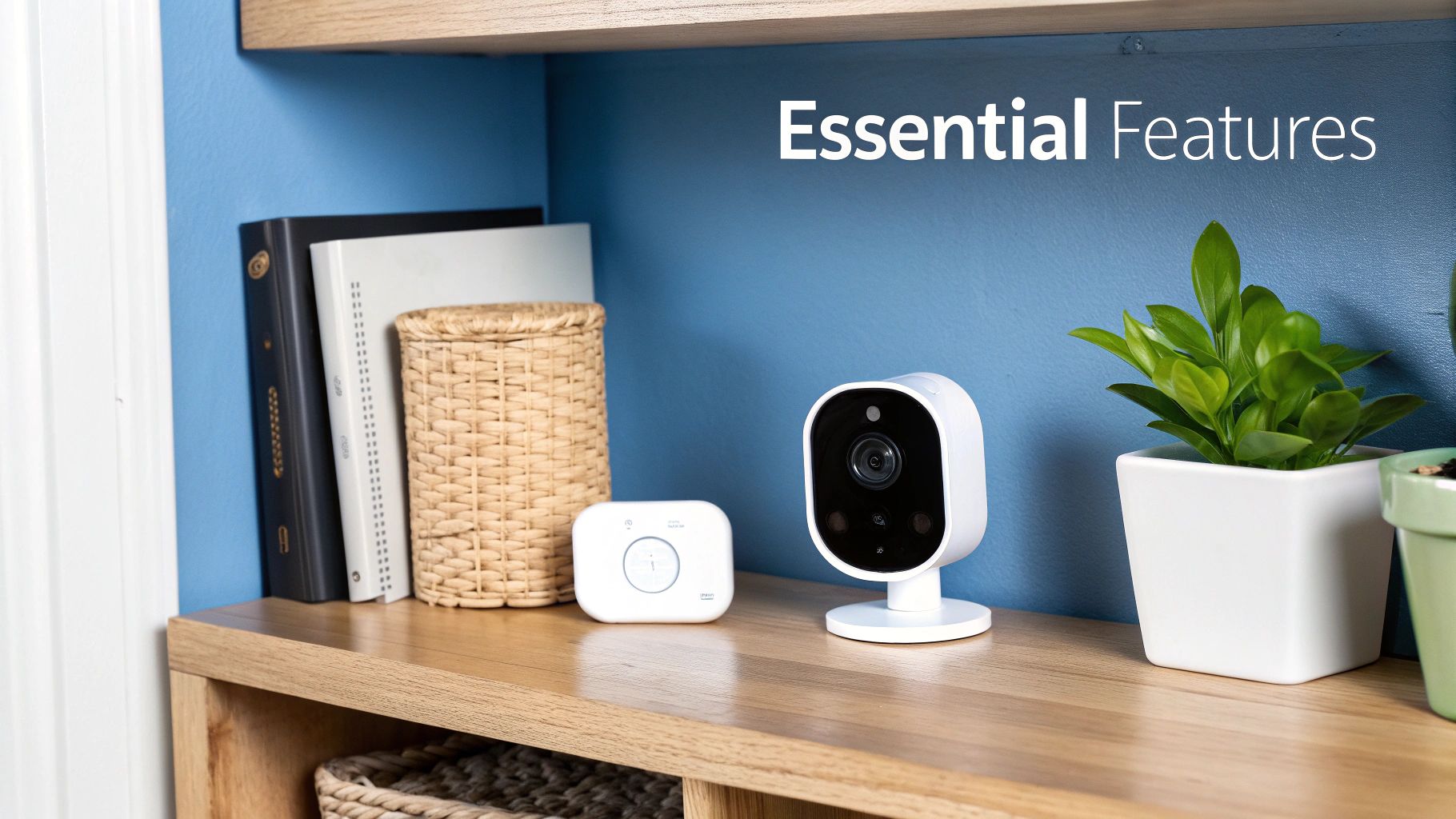
Before you even start thinking about cameras or smart locks, your system needs to answer one simple question: has someone tried to get in? This is the job of your entry, motion, and glass break sensors. They are the bedrock of any security setup worth its salt.
Door and Window Sensors: These are the unsung heroes of home security. They’re just simple two-piece magnetic contacts, but they’re your first line of defense. When a door or window opens, the magnetic connection breaks, and the alarm is triggered. You'll want one on every ground-floor entry point and any easily accessible upper-floor windows.
Motion Detectors: These gadgets use infrared to sense movement within a room. One well-placed detector in a high-traffic area like a main hallway or living room can cover a huge amount of space, making them incredibly cost-effective.
Glass Break Sensors: Just like the name implies, this sensor listens for the specific sound frequency of shattering glass. One of these can often monitor all the windows in a single room, giving you an extra layer of protection against an intruder who tries to bypass entry sensors.
Together, these three types of sensors create a foundational security net that covers the most common break-in points for very little cost.
Cameras are what most people picture when they think of home security, and for good reason. They give you eyes on your property. The best part? High-quality cameras are more affordable today than ever before.
This is largely thanks to a booming home security market, which is on track to hit USD 109.4 billion by 2030. This growth is driven by people like you wanting smart, affordable solutions. Video surveillance is leading the pack, making up 42% of the market, with video doorbells right behind at 37%. This competition means features that were once expensive are now standard, as detailed in this home security market analysis.
When picking a camera, focus on the specs that actually help you see what's happening:
Not all "smart" features live up to the name. Some are genuinely helpful, while others are just gimmicks designed to pad the price. The best smart features are the ones that prevent the biggest annoyance of any security system: false alarms.
The point of a smart feature shouldn't be to add complexity; it should be to make your system more intelligent and less annoying. You want features that help your system tell the difference between a real threat and the neighborhood cat strolling by.
Keep an eye out for these two high-value smart features:
By focusing on these essential sensors and practical camera features, you can build a powerful and affordable home security system that gives you real protection without paying for bells and whistles you’ll never use.
Once you've decided on the right mix of cameras and sensors, you’re faced with two major forks in the road: how to get the system installed and, more importantly, who’s going to keep an eye on it. These choices will have the biggest impact on both your day-to-day experience and what you’ll pay over the long haul.
Let's tackle installation first, because it's become surprisingly simple. For most of the best affordable home security systems, DIY installation is now the norm—and for good reason. The days of needing a professional to drill holes and snake wires through your walls are largely behind us.
Think about setting up a new smart speaker or a streaming device. You plug it in, use an app to connect it to your Wi-Fi, and you’re pretty much done. Modern security systems follow the same playbook. You’ll place wireless sensors with simple adhesive strips, sync a central hub to your router, and connect everything through a smartphone app. Most people can get the whole thing up and running in under an hour, no toolbox required.
After the easy part is done, you have to decide who responds when an alarm goes off. The first option, self-monitoring, puts you completely in charge. When a door sensor or motion detector is triggered, the system sends an alert straight to your phone.
From that moment, the ball is in your court. You can pull up your camera feed to see what’s going on, figure out if it's a real threat or just your cat's late-night zoomies, and then decide what to do next. See a stranger in your living room? You call 911. Realize it was a false alarm? You just disarm the system from your phone.
This hands-on approach is often free, making it the ultimate choice for anyone on a tight budget. The affordable security market is absolutely booming—it’s expected to more than double to USD 128.61 billion by 2032—largely because of this trend. Homeowners in North America and Europe are snatching up DIY kits in the $100-$500 range specifically to avoid professional monitoring fees, which can easily add $30-$50 to their monthly expenses. You can dive deeper into these trends in this detailed home security analysis.
Think of self-monitoring like being your own receptionist. You get every call (alert), you decide which ones are important, and you’re the one who has to take action. It gives you total control, but it also demands your full attention.
The other path you can take is professional monitoring. With this service, your security system is linked to a 24/7 command center staffed by trained dispatchers. It's like having a security team on call, ready to spring into action whenever you need them.
Here’s how it works: when an alarm is triggered, the signal goes to the monitoring center first, not just your phone. An agent will immediately try to contact you to confirm if there’s a real emergency. If they can’t reach you, or if you give the distress signal, they dispatch the police, fire department, or paramedics to your home without delay.
This service comes with a monthly fee, but it delivers a layer of protection that you just can't get by yourself. It’s the ultimate safety net, ensuring your home is being watched over even when you’re asleep, on a flight, or in a meeting with your phone silenced.
To build on our last analogy, if self-monitoring is being your own receptionist, professional monitoring is like having an executive assistant. They screen all the incoming calls, filter out the noise, and only bring the critical issues to your attention—all while handling the emergency response for you.
So, which one is right for you? It really boils down to a classic trade-off: saving money versus gaining total peace of mind. To make it clearer, here’s a head-to-head comparison.
This quick comparison should help you decide which monitoring option best fits your budget, lifestyle, and security goals.
| Feature | Self-Monitoring | Professional Monitoring |
|---|---|---|
| Monthly Cost | Typically $0 | $20 - $60+ |
| Emergency Response | You are responsible for verifying the alarm and contacting the authorities. | Trained agents verify the alarm and dispatch emergency services on your behalf. |
| Who It's Best For | Budget-conscious people who are always connected and feel confident taking charge. | Anyone who wants maximum peace of mind, especially frequent travelers or busy professionals. |
| Insurance Discounts | Unlikely to qualify for homeowners insurance discounts. | Often qualifies for significant discounts, which can help offset the monthly fee. |
| False Alarms | You have to investigate and dismiss them yourself. | Agents help verify threats, drastically reducing the risk of costly false alarm fees. |
Ultimately, there's no single "right" answer. Your decision should be based on how much responsibility you're willing to take on and what level of security helps you sleep best at night.
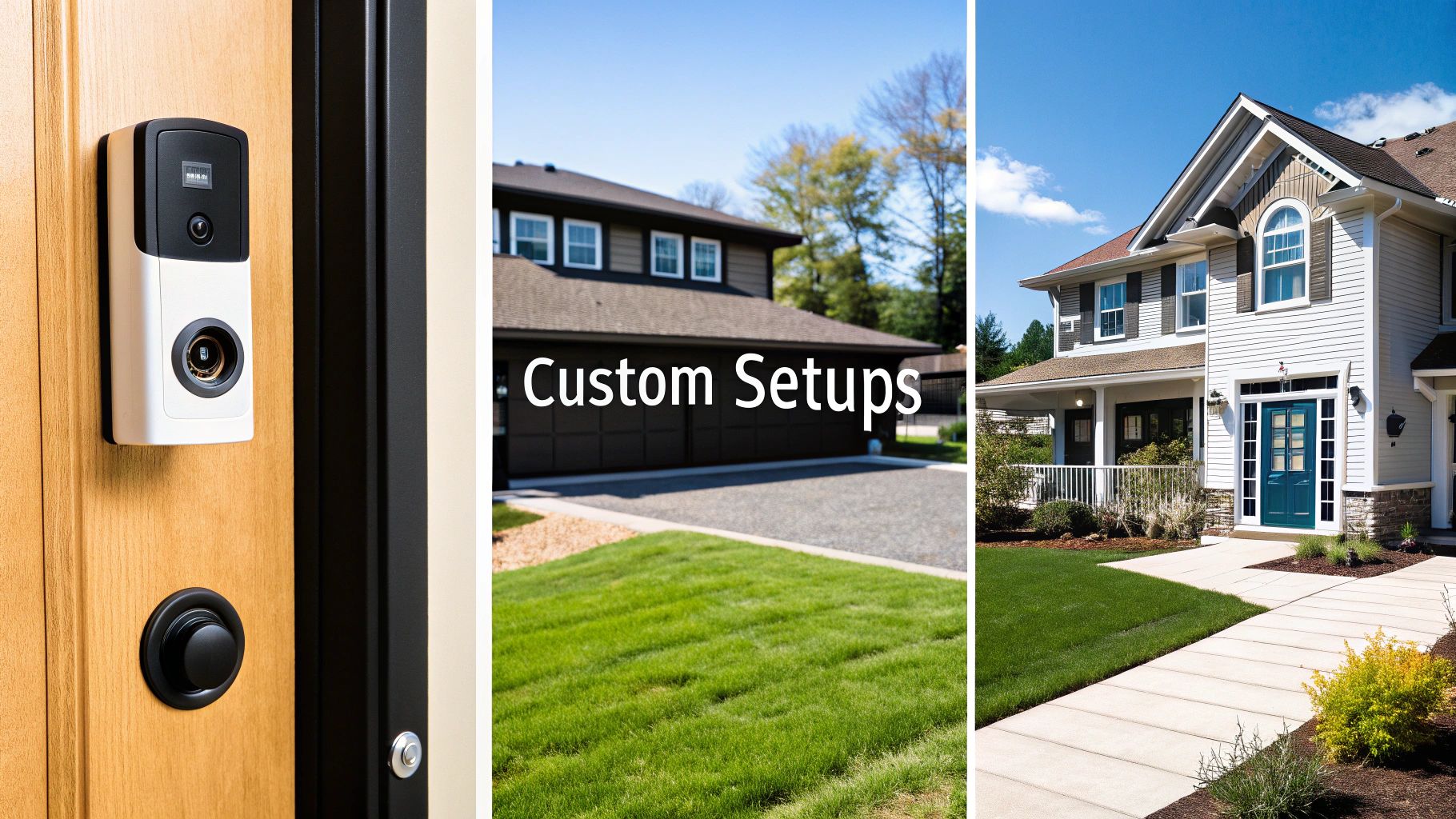
Knowing what a motion sensor or a video doorbell does is one thing. But seeing how all the pieces click together to protect a real home? That’s where the lightbulb really goes on. The best affordable security systems aren't pre-packaged boxes that treat every home the same. They're built from smart, cost-effective parts to fit your specific needs.
So, let's get practical. I'll walk you through three common living situations, showing you how to build a powerful, personalized system by thinking strategically about what you actually need to protect.
Apartment living comes with its own security puzzle. You’ve got fewer ways for someone to get in, but those few entry points—usually just the front door—are your only lines of defense. The game plan here is to get maximum impact from minimal hardware, focusing all your attention on that doorway.
This setup is all about lean, effective security for your main entrance.
This kind of minimalist setup is perfect for renters. It’s often peel-and-stick, so no drilling or complex wiring is involved, keeping both the initial cost and any potential fees incredibly low.
This approach is all about focused protection. Instead of trying to blanket every inch of space, it locks down the most likely points of entry, giving you incredible peace of mind for a very small investment.
For a starter kit like this, you can expect to spend somewhere between $150 and $300 on the equipment.
A suburban home is a different beast entirely. You have more ground to cover, multiple doors and windows on the ground floor, a yard, and probably a family to keep safe from more than just intruders. The "Suburban Safeguard" expands on the apartment model, adding layers of protection for a much larger footprint. The strategy shifts to a layered defense: perimeter, interior, and environmental threats.
This system gives you comprehensive awareness, both inside and out. It includes everything from the apartment setup, plus:
This balanced system delivers robust, multi-layered coverage without getting overly complicated or expensive. A reasonable budget for a system of this size would land between $400 and $700 for all the hardware.
Securing a second home you only visit occasionally is a unique challenge. You have to worry about the internet going down, power outages, and environmental disasters like a burst pipe. The "Vacation Home Watcher" is all about remote reliability. It’s designed to proactively alert you to small problems before they become catastrophic ones.
This setup becomes your eyes and ears when you're hundreds of miles away.
This kind of system offers the ultimate peace of mind for anyone managing a property from afar. The budget for this more specialized gear can range from $500 to $800+, largely depending on the cellular plan and how many environmental sensors you need.
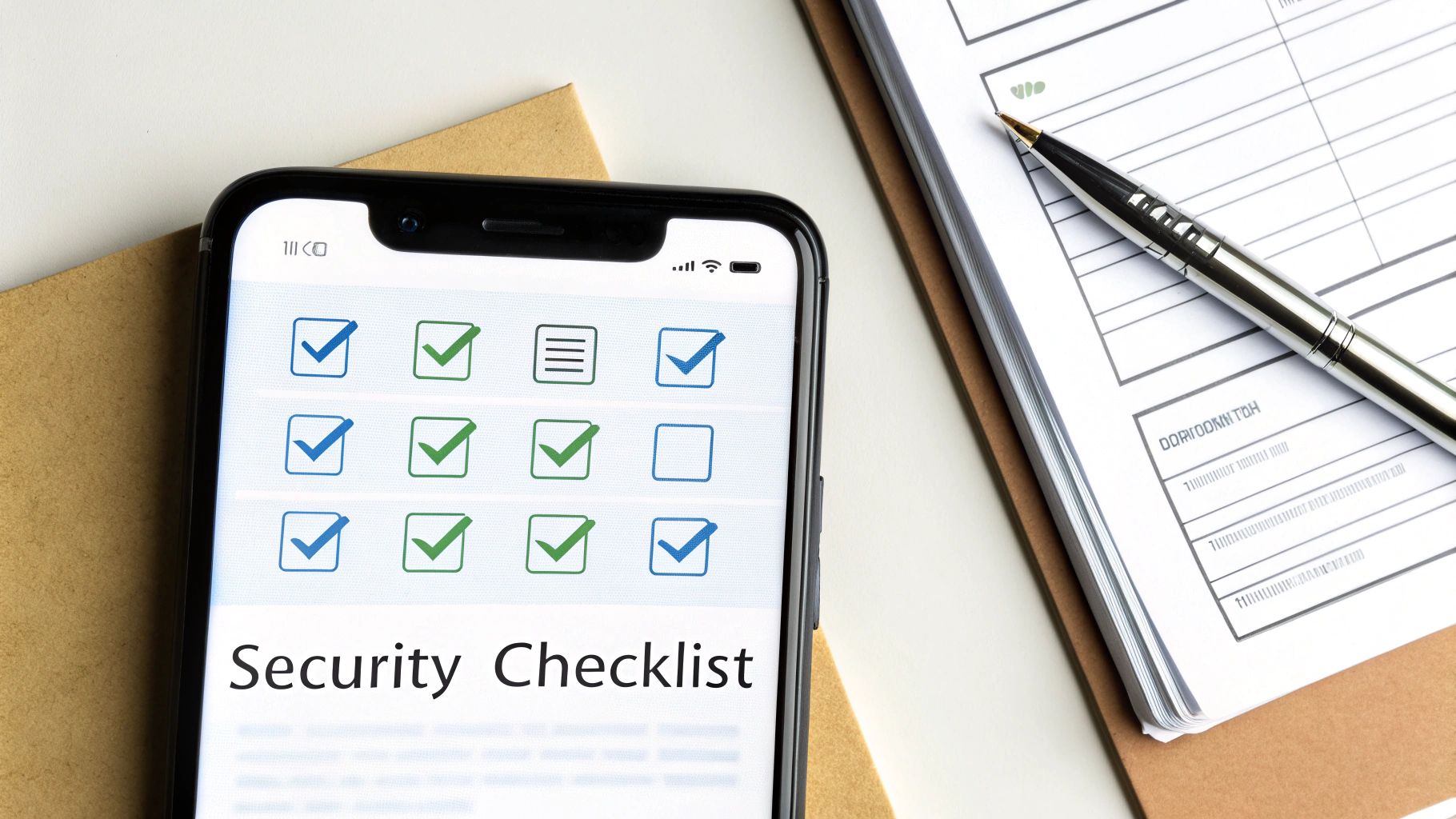
Alright, you've got the lay of the land—you know the components, the costs, and the features that matter. Now it's time to put that knowledge to work. Think of this checklist as your final walkthrough before you buy, designed to help you see past the flashy marketing and make a choice you'll be happy with for years to come.
As you start comparing different systems, run through these questions. They're designed to make sure you’re picking the best affordable home security system for your home, not just the one with the best sales pitch.
First things first, let's talk money. True affordability is about the total cost of ownership, not just the price on the box. A little bit of math now can save you a lot of headaches later.
Next, let's make sure the actual gear is the right fit for your home and how you live. It's easy to get drawn in by bells and whistles, but there's no point in paying for things you'll never use.
A smart purchase isn’t about getting the most features; it’s about getting the right features. Your goal is to find a system that solves your specific security challenges without overwhelming you with unnecessary complexity.
Even after doing your homework, a few questions always seem to pop up when you're zeroing in on an affordable security system. Let's tackle some of the most common ones so you can feel totally confident in your choice.
This is a classic question. The short answer is usually no. Most security companies build what's called a "closed ecosystem," meaning their sensors, cameras, and hubs are designed to work exclusively with each other. It’s a bit like trying to use an Apple Watch with an Android phone—they just don't speak the same language.
But the industry is slowly opening up. If you want more flexibility down the road, look for systems that support universal smart home standards like Z-Wave or the newer Matter protocol. Think of these as universal translators that allow devices from different companies to communicate. A system built on one of these platforms won't lock you into a single brand forever.
It's a totally fair concern—if it's wireless, can't someone just hack into it? While nothing is 100% foolproof, today's wireless systems are a world away from the vulnerable gadgets of the past. They use strong encryption standards, like WPA3, to scramble the data that flows between your devices and your Wi-Fi router.
Honestly, the biggest weak point usually isn't the technology itself, but how we use it. You have more control than you think.
Think of it this way: your security system is like a high-tech vault door, but your Wi-Fi password is the key. A weak, guessable key makes that strong door completely pointless. Good digital habits are your best line of defense.
A security system that quits during a power outage is just a fancy decoration. This is where backup features become non-negotiable for real-world protection.
Look for two key lifelines. The first is a battery backup built into the base station, which can keep the system running for hours if the electricity goes out. The second, and just as important, is cellular backup. This feature, usually part of a professional monitoring plan, lets the system switch over to a cell signal if your internet connection drops. It ensures the link to the monitoring center is never broken, keeping you protected no matter what.
Ready to discover the perfect products for your home and lifestyle? At FindTopTrends, we curate the best in tech, home essentials, and more, making it easy to shop smart and stay ahead of the curve. Explore trending products on findtoptrends.com.




